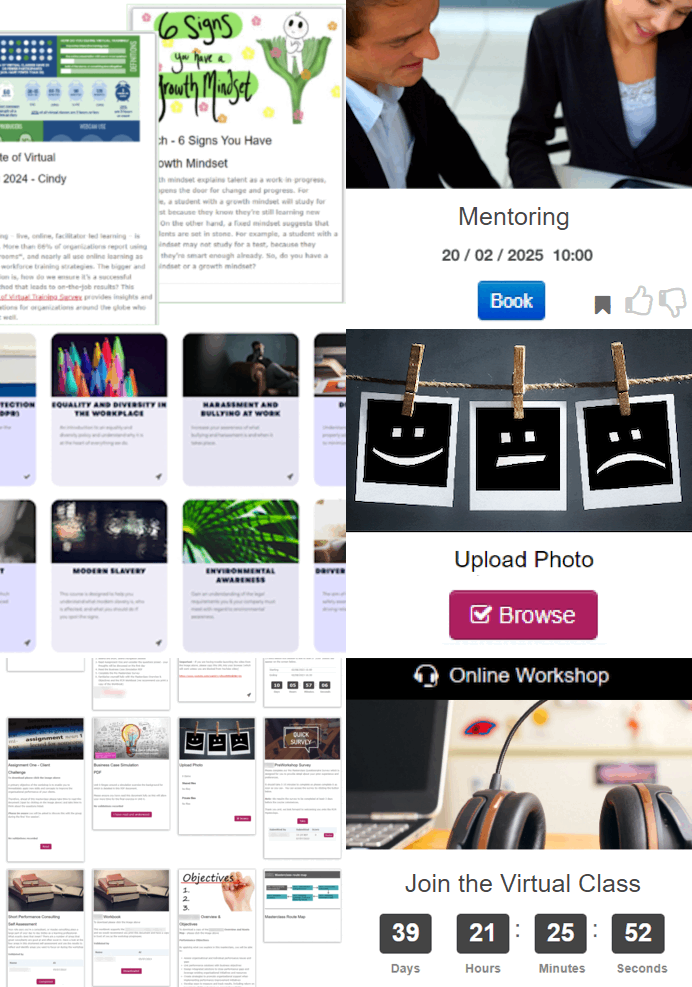
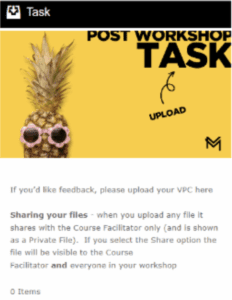
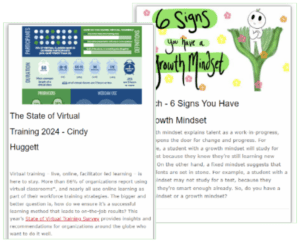
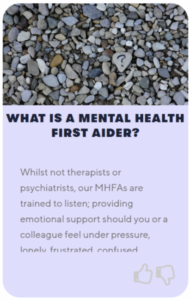
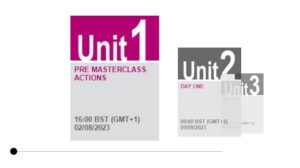
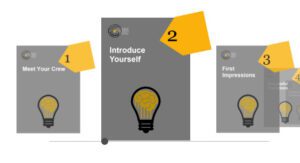
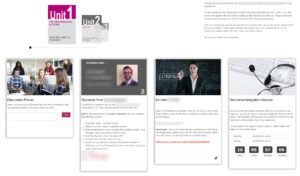
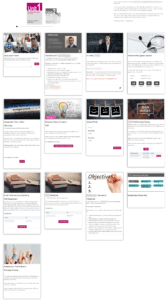
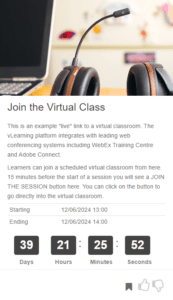
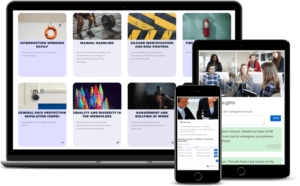
The vLearning platform has been designed to be as easy to use and as engaging as a main stream media platform. Learners are visually guided through content relevant to them. Learning Managers can easily upload, organise, allocate and monitor content. But don´t take our word for it, have a look at the gallery below.
User Interface Design
The Learning Platform that´s designed to be as engaging as a media platform
Create a space that goes beyond content and classrooms – where your learners can explore, collaborate, practice, and apply what they have learnt. Build skills, rather than distribute content. The vLearning Platform makes it easy to design interactive learning workflows, personalised pathways for learners. With the vLearning Platform, you can offer your learners a single point of access to all their learning activities.
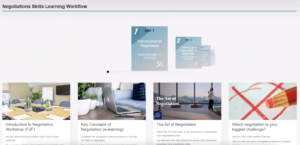
See the visual user interface that guides learners through their workflow. See below to see the UX design of the vLearning Workflows…
Learning Administration Made Simple
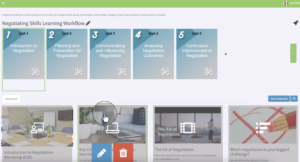
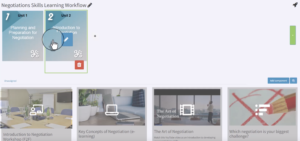
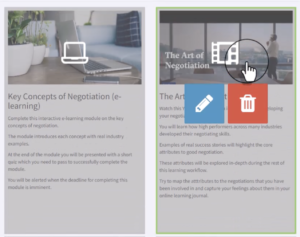
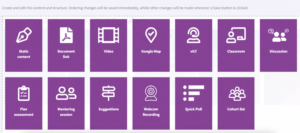
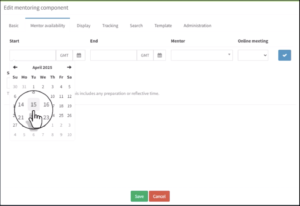
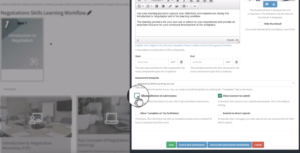
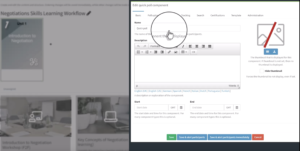
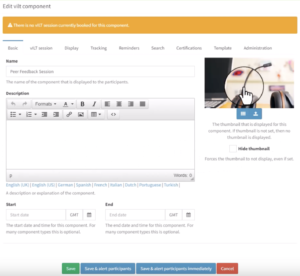
Easy to use back end interface, including drag and drop for learning activities
The vLearning Platform makes it easy to design and manage all the activities your learners need to do to turn learning into performance.
Drag and drop components into a workflow to create visual learner journeys. See below to see the workflow administration in action…
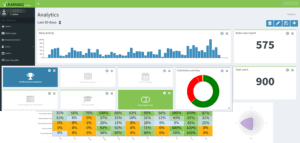
Analytics and Reporting
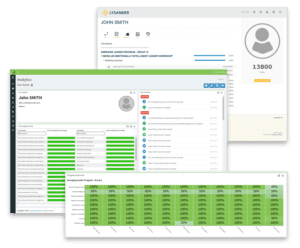
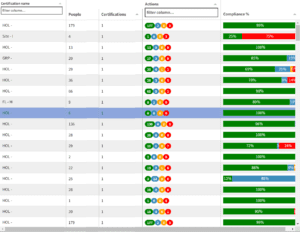
Visual learner analytics dashboard, with progress tracking and compliance reporting
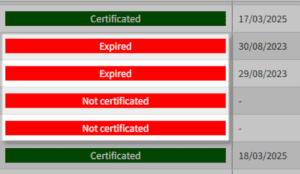
Easily track learner performance, see when accreditations and qualification renewals are due. See levels of competency and where interventions are necessary. Manage your performance and compliance requirements with ease.