Breaking Barriers
How AI Enhances Accessibility in Digital Learning

Accessibility in digital learning is crucial to ensure that all learners, regardless of physical or language abilities, have equal opportunities to benefit from learning content. By prioritising accessibility, learning platforms can create a more inclusive and equitable learning environment that empowers all individuals to achieve their educational goals.
But how can you provide an accessible learning platform for your teams? There are 4 key areas where learning platforms can help.
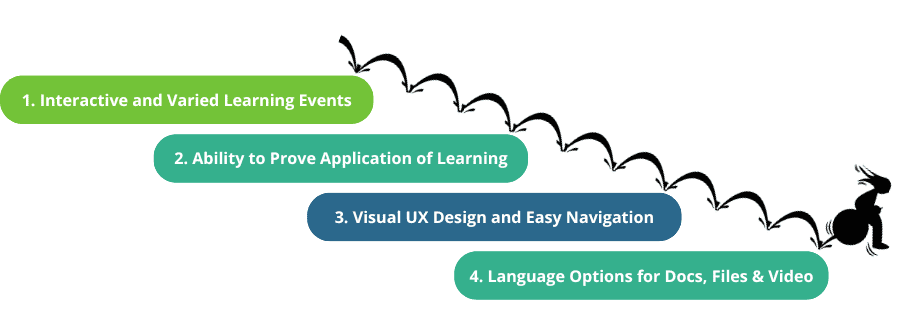
1. Interactive Content and Assessments
Making learning interactive, providing different ways to learn isn´t just good practice, it makes learning significantly more accessible. When your learners have access to course videos, text, virtual coaching, and hyper-focus discussions, they can learn in a way that suits them.
What does this mean in reality? One of our compliance focussed clients uses our vLearning Platform to create learning workflows. These are a combination of learning events focussed on one learning objective. These activities include a range of written content, to videos, virtual coaching, and interactive assessments that can be submitted in video format. This enables their learners to complete learning objectives by choosing the methods of learning that suits them.

As such, the client can monitor both learner engagement and the learner’s application of the learning, without physical or mental ability bias. Suddenly learners who need audio and visual resources can have equal accessibility to learning resources, and can be tested on their ability to apply this learning equally amongst their peers.
2. Accessible Remote Course Feedback
Remote feedback can be made accessible through a variety of coaching methods, eg video or audio feedback.
For example, we have a retail client who uses our vLearning Platform to train their sales staff. These staff need to know their products inside and out. But does reading about the product and being able to answer a quiz about the product prove their ability to sell it? No.
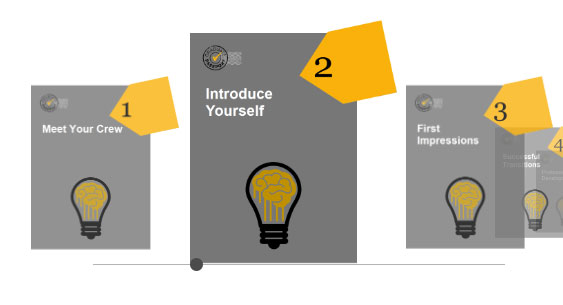
So what do they do? They set their sales staff tasks as part of their learning workflow. They learn about the products using a variety of types of learning activities, all collected together in a ´carousel´ of learning resources. Then they submit proof of their understanding through video assessments, quizzes and virtual coaching. And they have access to hyper-focus social discussions where the team can discuss questions about the products associated with that learning objective.
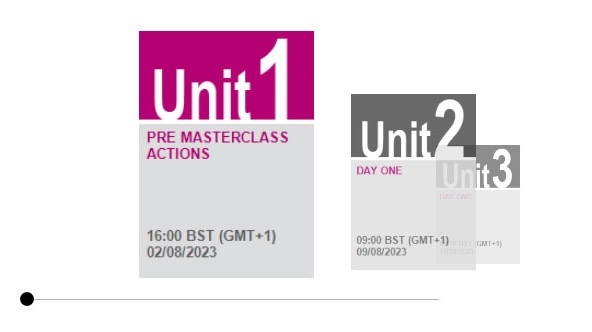
These learners can receive feedback on their ability to apply the learning in the workplace through feedback that can be supplied in multiple formats, from virtual coaching, to video or written feedback. And the progress of learners can be tracked in the dashboard of the learning platform.
This approach makes their learning more accessible and provides more effective proof of their ability to apply the learning in the workplace.
3. Accessible Experience
It’s all too common to have an LMS with a list of folders in which staff need to find their learning activities. It looks much like a folder on a computer. Is this how people naturally learn? Does it encourage them to learn? And does it make it easy for them to find the learning they need? No, is the answer to all of these questions. This is not how people learn, and it is certainly not what accessible learning looks like.

VS
When you want to learn something at home, such as a recipe or a DIY task, where do you look? YouTube? Social media? Google video search with images and summary text?
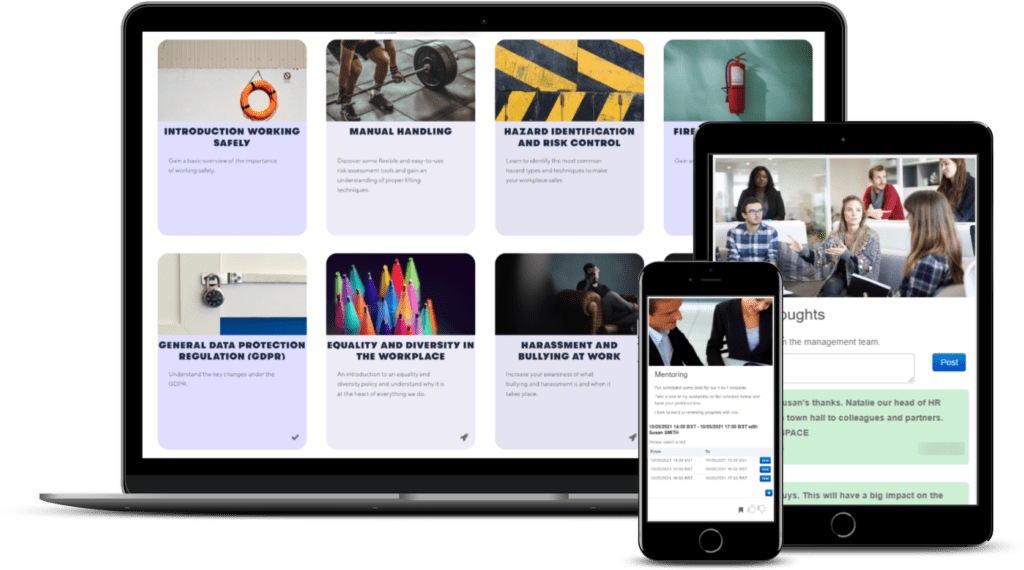
At vLearning we’ve put a lot of work into developing accessible user experience. What we have found is that having easy search functions with visual and text cues makes a big difference. Also, having learning activities and assessments grouped together for specific learning objectives, that can be allocated to relevant staff, makes learning management and learner engagement a much more accessible experience.
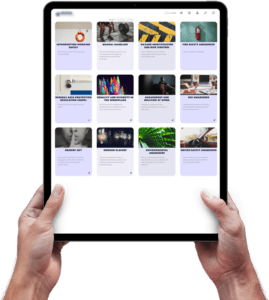
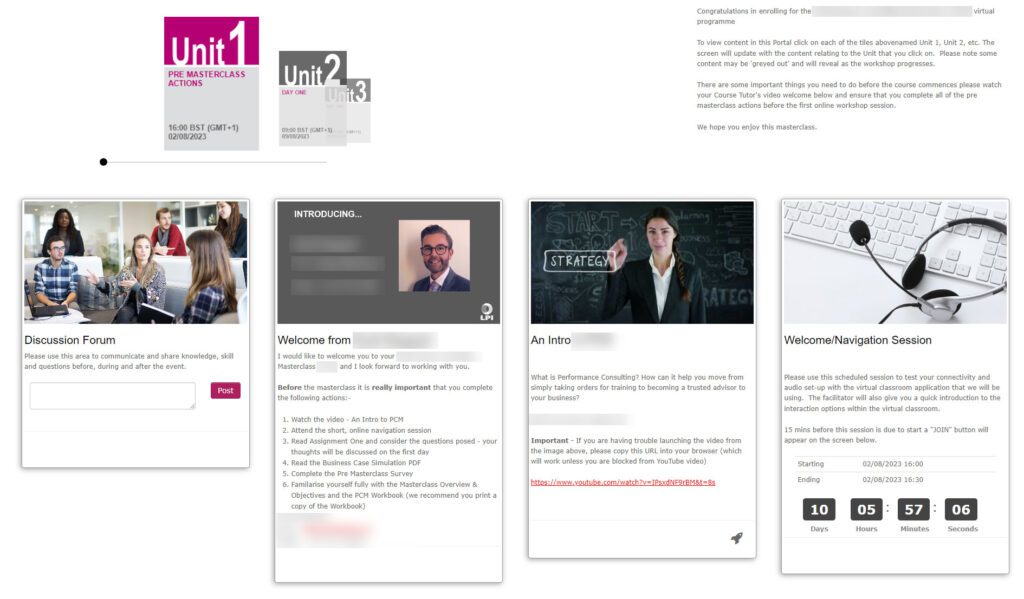
What does this accessible learning experience look like? The workflows show up as a collection of carousels on the dashboard for each learner. That learner can then clearly see what learning they need to complete, by when, and see how they are progressing against business needs. Below is an example of a learners dashboard at the Learning and Performance Institute, who use the vLearning platform to deliver learning to their members and staff.
4. Language Translation
Do you have staff with different first languages? Or internationally dispersed teams? Language translation is a must. Your learners will learn better in their first language.
AI-driven translation tools that provide real-time translation of course materials do exist, but we do not believe that they are fit for purpose yet. As such we offer translation as an option for the clients that need it.
We also make it possible to upload documents, embed videos and content (including Vimeo and YouTube) in different languages and with subtitles.
What to Make Your Learning Accessible?
If you want to open up the accessibility of your learning platform get in touch with vLearning Solutions and we can discuss your needs alongside what is possible in our learning platform.
X
LinkedIn