

Running Microsoft Teams Training Schedules
Without the Admin Chaos
How a genuine Microsoft Teams integration handles the scheduling, the reminders, the attendance, and the changes — so your team doesn't have to.
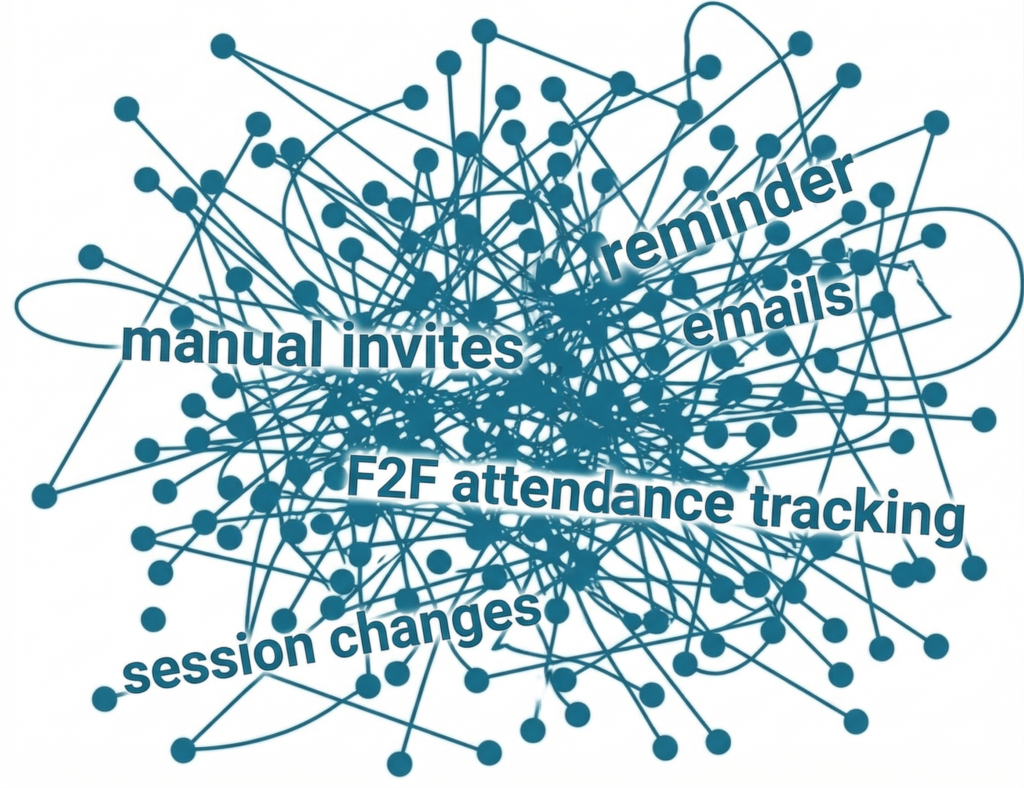
It’s 8:47am. You have a virtual classroom session starting in thirteen minutes. You’ve just been told the presenter can’t make it and a colleague needs to take over. You have 200 learners about to receive a joining link for the wrong Teams account. Your inbox is already filling up with “where do I click?” emails from people who missed the original invitation. And somewhere in a spreadsheet, there are another forty-three sessions this month that all need managing in exactly the same way.
This is the part of running virtual training that nobody talks about openly. Microsoft Teams has quietly become a second job for L&D teams. Not the training itself, the training is the easy part. It’s everything around the training: setting up the sessions, sending the joining links, chasing the people who haven’t joined yet, working out who actually attended, telling everyone the presenter has changed, doing it all again next month, and the month after that.
It happens slowly. One session at a time. Until one day you look up and realise your team is spending more hours managing Teams meetings than designing learning.
It is not caused by incompetence. It is caused by trying to run a sophisticated, high-frequency training operation with tools that were never designed for it.
The hidden cost of stitching it together
Microsoft Teams is a brilliant collaboration tool. It was not designed to be a training management system.
Yet that is exactly what many L&D professionals are asking it to be. To fill the gaps, it is necessary to layer on a patchwork of workarounds: calendar invites sent manually, reminder emails drafted individually, attendance tracked by asking a colleague to sit in the meeting and take names, follow-up emails to no-shows written one by one, and session changes communicated via a flurry of “please ignore my previous email” messages that reach only half the audience.
The result is an operation held together by effort rather than infrastructure. The problem compounds with volume. Running five sessions a month this way is manageable. Running fifty is a full-time job in itself. Running five hundred is untenable, and yet many large organisations are attempting exactly that.
Microsoft Teams can support training sessions, but it does not fully manage complex training schedules, presenter substitutions, attendance exceptions, account handovers, or compliance-ready records without additional processes or software.
Running Teams Training at Volume?
See how the vLearning Platform handles scheduling, presenter logistics, and automated communications in a single system.
Where your team's time is actually going
The administrative load is rarely a single big task. It accumulates across four distinct areas.
Scheduling
Creating each Teams session individually, copying links into calendar invites, checking presenter availability, managing conflicts across multiple accounts and channels.
Communications
Writing and sending joining instructions, reminders as sessions approach, last-minute updates when details change, and chaser emails to the people who did not show up.
Attendance Tracking
Manually checking who joined, for how long, whether they met the minimum threshold for compliance purposes, and recording that somewhere useful.
“For management and administrators, the vLearning Platform provides an all-in-one solution which saves time (over 30% saving compared to our previous solution) and therefore cost.”
Teams attendance data is available session-by-session, organiser-by-organiser, with no consolidated view across a programme of multiple Teams sessions. Pulling it together into a full programme report that a stakeholder can read, or a compliance team can rely on, means exporting individual reports and stitching them together manually. The data extract and consolidation becomes a job in itself. And if the person who organised those sessions has left the organisation, or simply isn’t available, the data becomes inaccessible or is permanently deleted. There is no admin-level override. It is not a reporting system. It is a retrieval problem dressed up as one.
Change Management
When a presenter changes, a session moves, or a link needs updating, getting that change to every registered attendee without missing anyone or creating confusion.
None of this is strategic L&D work. All of it is administrative overhead that grows in direct proportion to the volume of your training programme. Every hour spent on it is an hour not spent on learning design, stakeholder conversations, or demonstrating what your function actually delivers.
The particular pain of presenter and account management
There is a specific problem that rarely gets discussed openly but affects almost every organisation running virtual training at scale: managing multiple Microsoft Teams presenter accounts.
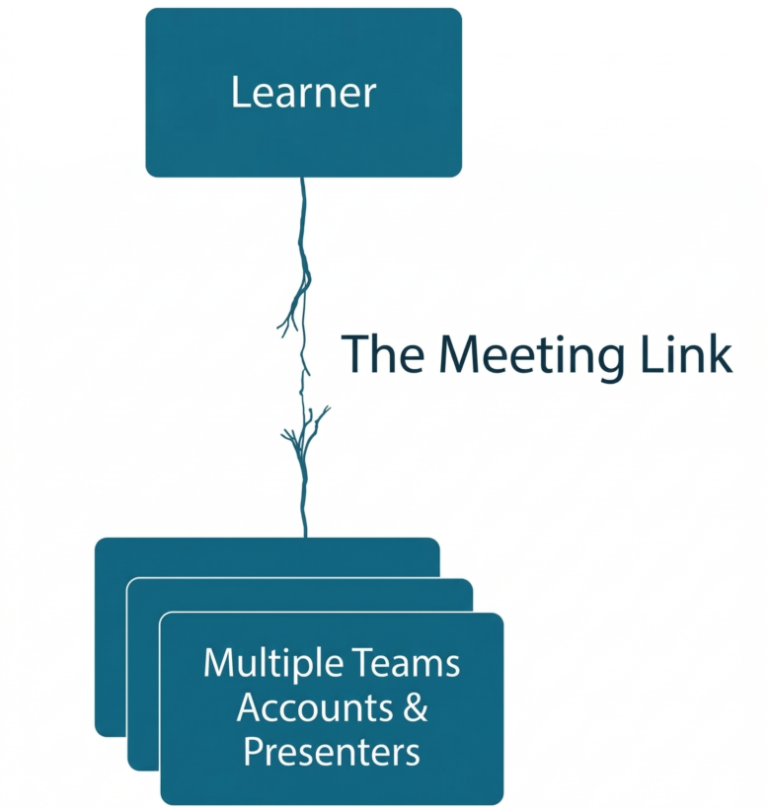
Large organisations often have training delivered across multiple accounts: different subject matter experts, external facilitators, business unit leads. When a presenter changes, the Teams meeting link changes, which means attendees need to be notified, which means re-sending communications, which means some people get the update and some do not, which means you get calls on the morning of the session from people clicking a dead link.
This is not a technology problem. It is a structural one, created by the fact that the meeting lives in Teams, and Teams has no awareness of your learner-facing experience.
Centralise Your Teams Training
No more broken links, no more manual reminders, no more manual data handling.
The bulk scheduling problem nobody talks about
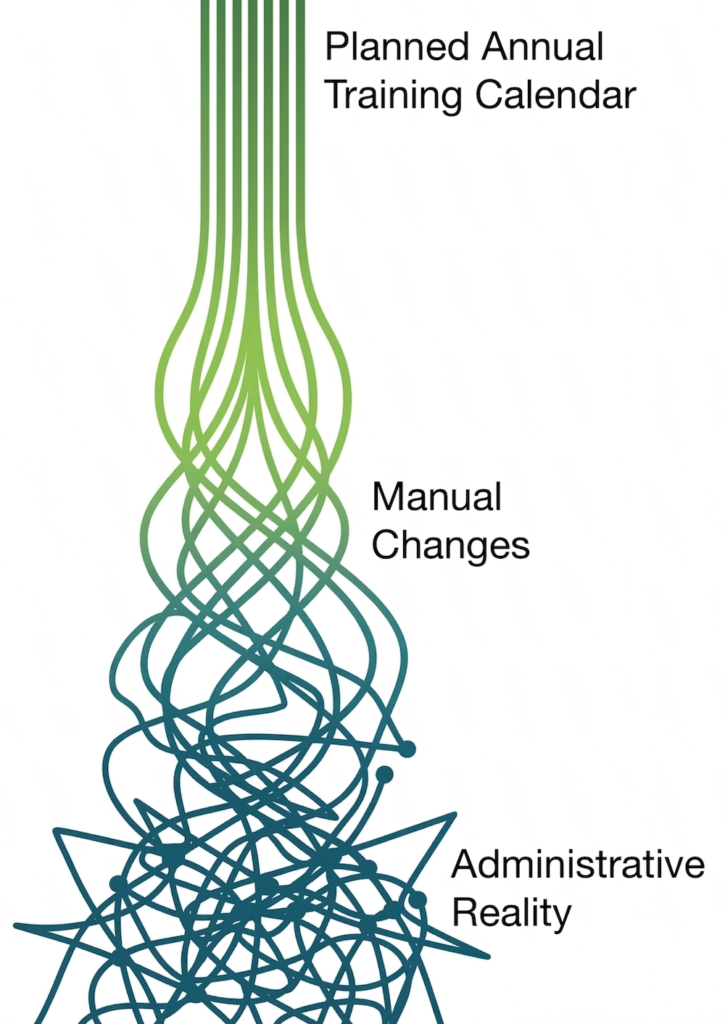
Multiply all of this by a quarterly or annual training calendar.
If you are an L&D team scheduling a hundred sessions across a new programme rollout, or a training company delivering a structured curriculum to a client’s entire workforce, you are facing a significant data entry challenge. Each session needs to be created in Teams, communicated to learners, tracked for attendance, and managed through any changes. Done manually, that is weeks of administrative work before a single learner has experienced a single minute of learning.
Most teams respond by building elaborate spreadsheets to track what they have set up, duplicating information across multiple systems, and hoping nothing changes once it is in place. Something always changes.
What proper integration actually looks like
There is a difference between integration and a hyperlink. The organisations that have solved the Teams admin problem have done so by bringing everything into a single system: one that sits in front of Teams rather than alongside it, and that treats the management of live online sessions as a structured operational process rather than a series of disconnected manual tasks.
Here is what that looks like in practice with the vLearning Platform.
Bulk session upload
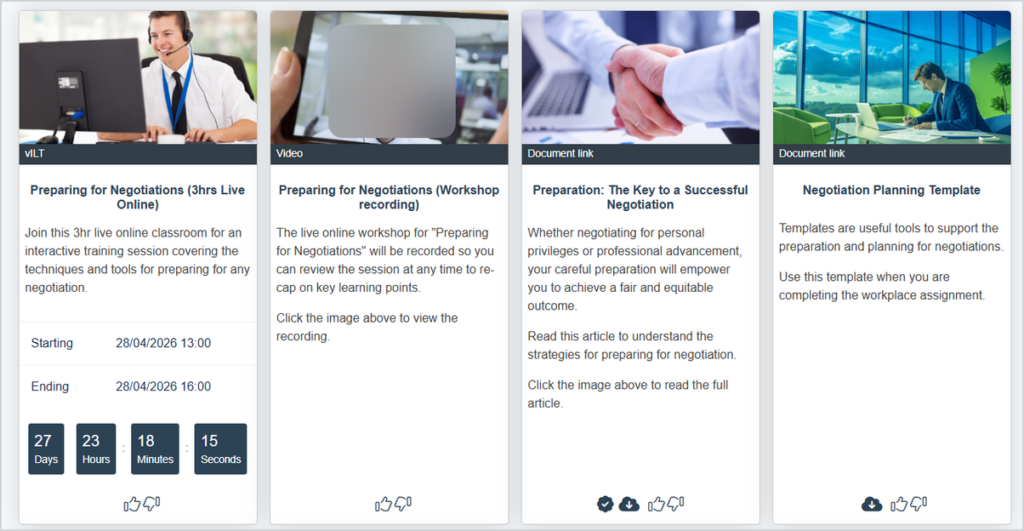
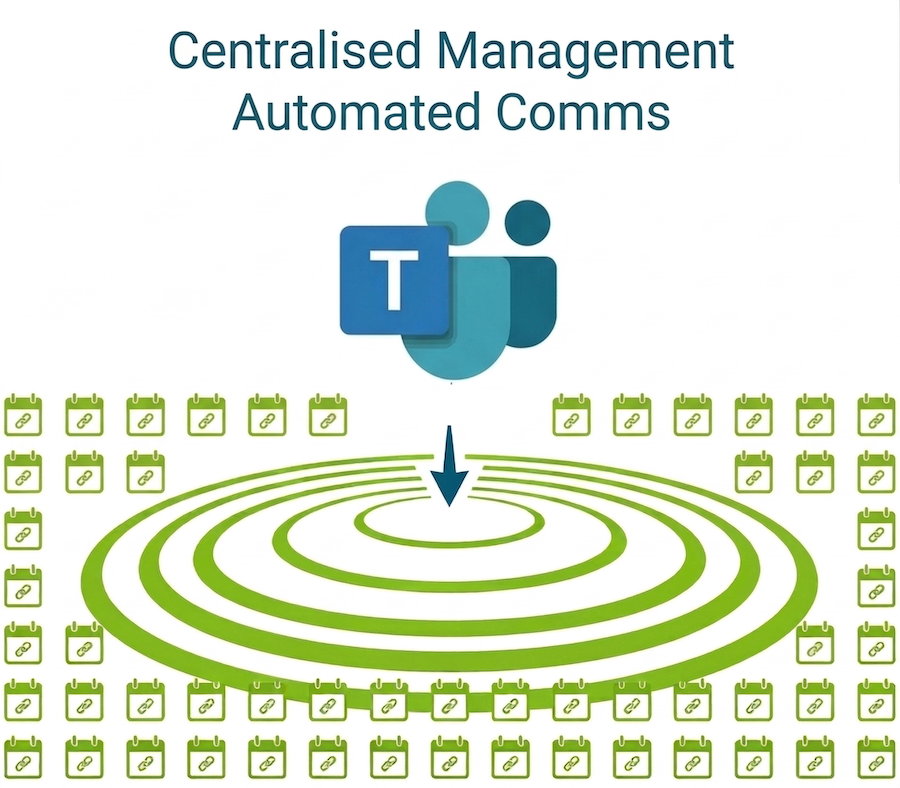
This is the single biggest time saver for large-scale programme delivery. Populate a spreadsheet with your full session schedule (dates, times, topics, presenters, durations), upload it once, and every session is created simultaneously. The Teams meetings are generated in the background. Calendar invites go out. Learners are provisioned access. A quarterly training calendar that would have taken days to set up manually is live in minutes.
Centralise Your Teams Training
No more broken links, no more manual reminders, no more manual data handling.
Three automated reminders that get people into the room
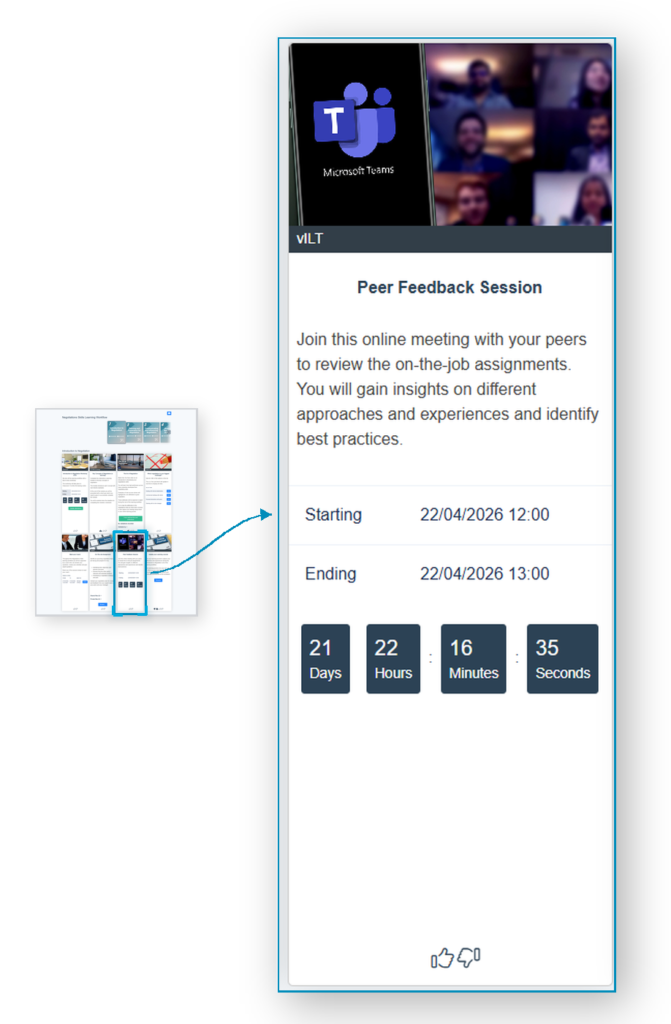
The platform sends three reminders, each timed against the session start. Two go out ahead of the session, prompting registered attendees to prepare and join on time. The third is sent moments after the session has started, and goes only to the people the platform can see have not yet joined. Each reminder carries a quick-join URL: a one-click link straight into the Teams meeting. No need to log into the platform. No hunting through a calendar for the joining link. Just a click, and they are in. The platform does the chasing.
Real attendance data, not a headcount
Because the integration goes deeper than a hyperlink, the platform pulls live session data back from Teams automatically: who joined, exactly when they joined, and how long they were connected. The platform compares that against the booked attendee list. The result sits alongside the rest of the programme record, ready for reporting. Compliance thresholds are checked automatically. Attendance reports are produced on demand, not built by hand at the end of the quarter.
A learner-facing experience that never breaks
Learners access their sessions through the vLearning Platform interface. What sits behind that interface, the Teams account, the presenter, the meeting link, is entirely invisible to them. If a presenter changes at 8:47am, the organiser updates one line in the platform. The learner clicks the same button they always click. Nothing breaks. No emails need to be resent. No one notices.
Where the recording sits matters
When the operational work disappears, what is left is the part of the job that actually matters: designing learning that works.
This is where the vLearning Platform does something most learning systems can’t.
Every Teams session sits inside a single screen alongside everything else the learner needs for that programme. The pre-reading. The discussion thread. The exercise. The follow-up assignment. The feedback form. And, once the session is over, the recording itself, placed exactly where the live session was launched from.
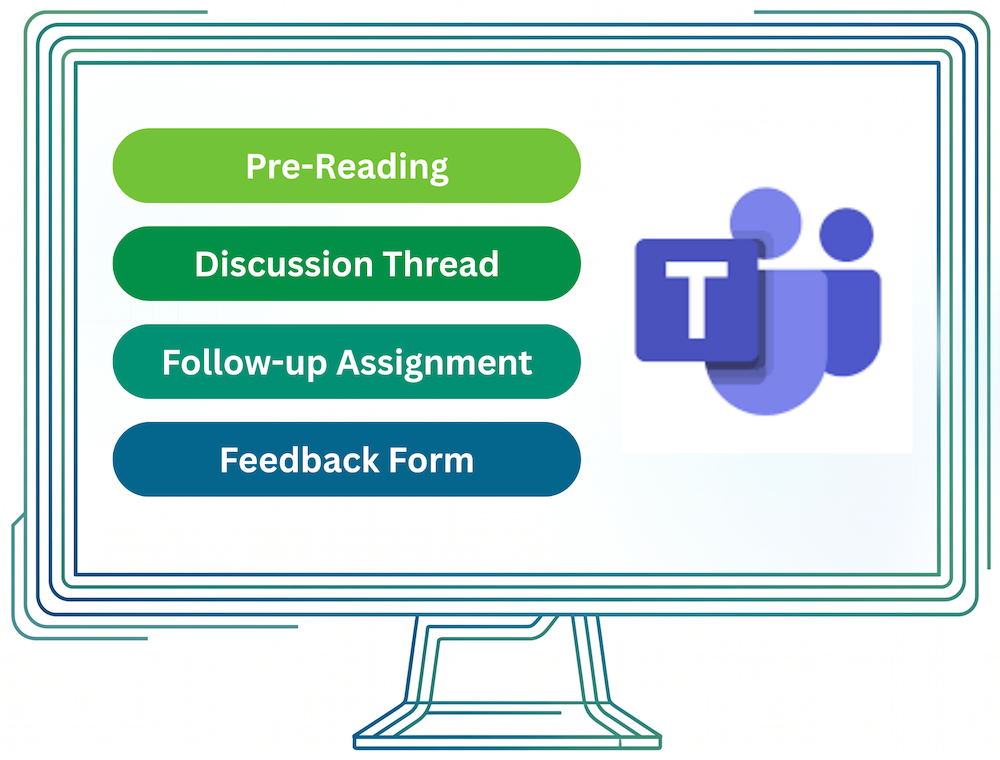
Not in a separate folder. Not in a SharePoint site. Right there, on the same screen, in context.
The learner sees a complete picture. One place to prepare. One place to attend. One place to apply what they have learned. One place to come back to weeks later when they need to remember how something worked.
That is what virtual training looks like when the platform supporting it was actually built for learning, not retrofitted from a meeting tool.
What this actually means in practice
The two days it took to set up a quarter’s training calendar shrinks to a morning.
The hour spent every Monday writing reminders and chasing no-shows disappears.
The end-of-quarter scramble to pull attendance data out of Teams stops happening, because the data is already there.
The panicked emails on session mornings, the wrong links, the missed invitations, the calls from learners who couldn’t find the meeting, all of that just stops.
The compliance reporting becomes reliable, because the data is real. The learner experience becomes consistent, because the platform shields them from anything happening behind the scenes. And the team starts to look like one that has its operation in order, because it does.
That is the time, the calm, and the credibility your team needs to do the work that matters.
Why this keeps happening
The more useful question is not how to manage Teams more efficiently. It is why the management burden falls on the L&D team at all.
The answer, for most organisations, is that no one ever designed a proper operational infrastructure for high-volume virtual training delivery. Teams filled a gap, and workarounds filled the gaps in Teams, and now the workarounds have become the system.
The organisations getting on top of this are the ones that have stopped accepting the chaos as normal. They have put proper scheduling infrastructure in place, automated the communications their teams were writing by hand, and given their L&D managers something more useful to do at 8:47am than field panicked emails about broken links.
The vLearning Platform’s Microsoft Teams integration was built to deliver this infrastructure. Not a feature bolted onto a learning platform, but a genuine operational solution to a problem that has been quietly costing L&D teams significant time, credibility, and capacity for years.
You don’t need a workaround. You don’t need another spreadsheet. You don’t need to accept that this is just how virtual training is.
You need a platform that was built for the job.
Step Out Of The Spreadsheet Nightmare
Virtual classroom management should be an operational discipline, not a series of disconnected tasks. Stop hand-stitching your training together.
Share this Article
X
LinkedIn
Related Resources
